To enter a manual unit cell , i.e. a unit cell constructed from parameters entered manually, click the Cell Engineering icon on the Welcome screen:

There are too many parameters that need to be entered to generate a unit cell which will match anything experimental, although you might wish to construct something that looked visually pleasing, for example. So PoreXpert starts you off with a default set of parameters, as shown below. Note that the Channel porosity entry is disabled - PoreXpert cannot generate a unit cell based on channel porosity simply from a manual entry, as unit cells are built using the open porosity value, and it is a Method called by the simplex that calculates open porosity from channel porosity according to the additional options you enter.
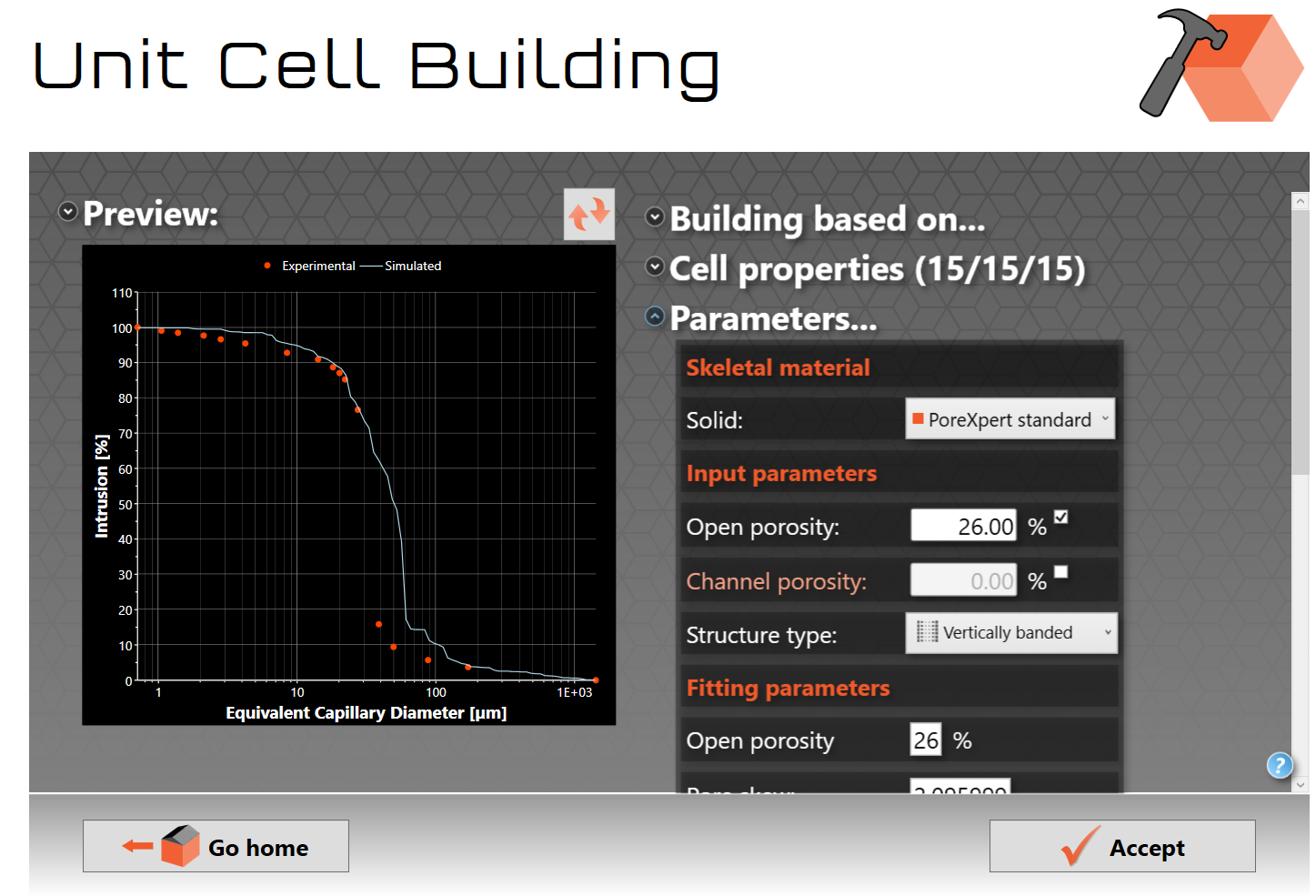
A good way to use the manual unit cell screen is to keep all the parameters constant except for one parameter and see how this affects properties of the unit cell such as how the pore and throat size distribution is changed, or how the new unit cell filters particles. These changes provide users with the ability to perform sensitivity analyses which is commonly required for research purposes. By changing just one parameter and then running an identical batch operation on the new unit cell you can generate reports showing how the properties change. This can be used as a design tool for investigating properties of materials which you have not yet manufactured.
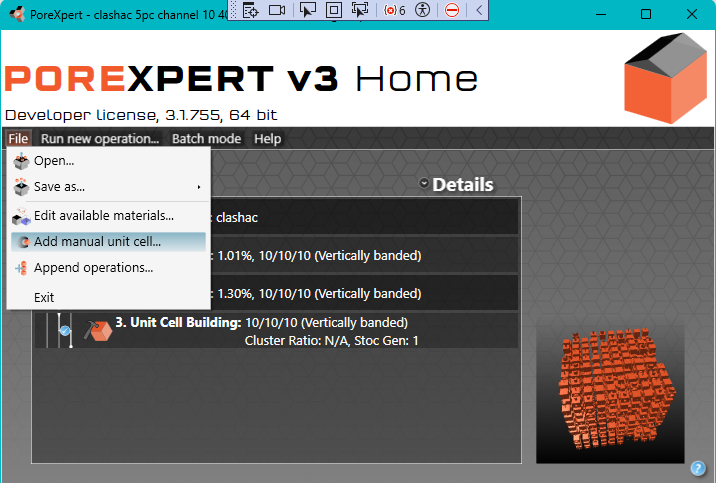
To generate a set of parameters from which to start, try some curve fitting, for example as shown here, and click Run new operation... | Initialisation | Building to build a unit cell, shown as operation 3 in the figure below.
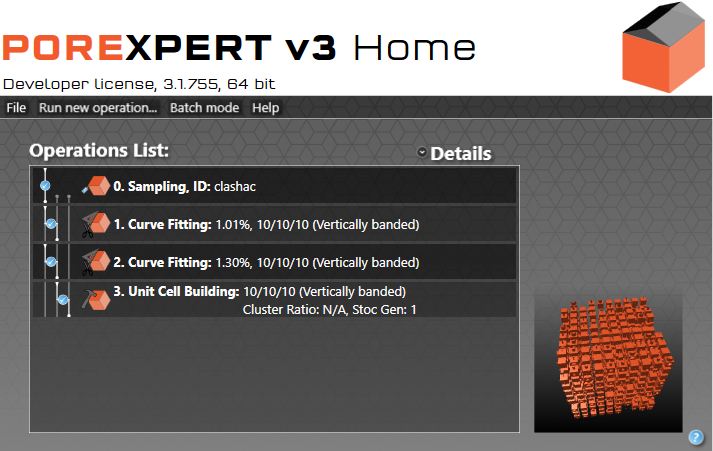
Then File | Add manual unit cell... as shown below. It will than add a manual unit cell based on the last set of parameters. You can then modify those parameters (preferably one at a time) to see what difference in properties is made by altering them.